AI Answering
Let AI handle calls when you can’t. Get the message and the important details.
AI answering
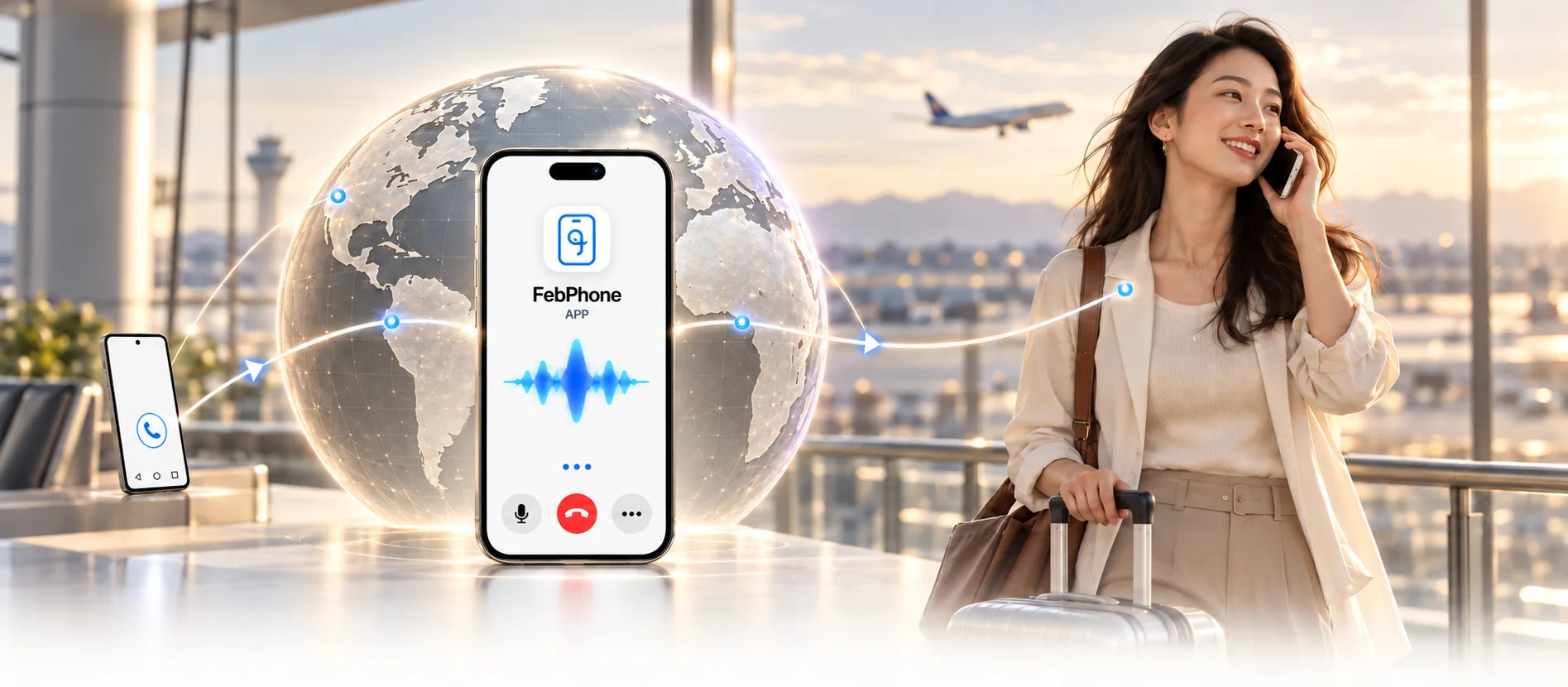
Your travel companion for calls, SMS and a little more intelligence.
Free essentials. Optional AI membership.Keep your SIM at home. Use an internet connection abroad. Carrier plan and internet charges may apply.
From answering a call to remembering the details. Choose the help you need.
Let AI handle calls when you can’t. Get the message and the important details.
Understand each other across languages, with AI alongside your conversation.
Give AI a task. Let it make the call and bring the result back to you.
Record, transcribe and summarize. Revisit what matters after the call.
AI features require a compatible Android server and an AI membership. Availability depends on your device, configuration and selected call mode.
Keep your SIM in an Android phone. Choose the SMS APK or a matching Root ZIP for calls and AI.
Android server ↗Install the client on your travel phone, then register or sign in to your FebPhone account.
Client & pairing ↗Select your existing device, or enter the six-character code from the Android server. Keep the phone at home powered and online.
How to link your device ↗Android 16 · CP1A.260405.005
$0
Your everyday calls and SMS essentials.
$5 / month
$50 / year 2 months free
Prices in USD. Annual membership is billed at $50 for the year. Membership orders currently require manual payment confirmation.
Core calling and SMS features are free. AI membership is optional: $5 per month or $50 per year. Your carrier plan, mobile data and internet charges still apply.
Recording is required when AI is enabled because our robots participate in the entire conversation process. To comply with regulations and technical needs, we must record calls to ensure effective monitoring and improvement. These recordings are used solely for technical analysis in accordance with our privacy policy and relevant legal requirements.
1. The screen does not need to be on continuously; locking the screen is fine for normal usage. 2. The phone does not need to be plugged in all the time; just charge it periodically to ensure it has battery. 3. The phone will not make sounds when receiving calls. However, some devices may have strict battery saving modes that could impact functionality, so it's best to keep the screen on to avoid issues.
FEBPHONE · STAY CONNECTED
Two phones. Choose the right download for each.