
FEBPHONE · FEATURE GALLERY
Android server
Explore every screenshot for this feature. Select an image to enlarge it, or return to the overview to explore another feature.
We show screenshots in your selected language when available. If a different language is shown, its actual language is clearly labeled.
Published screenshots: 5
Android server
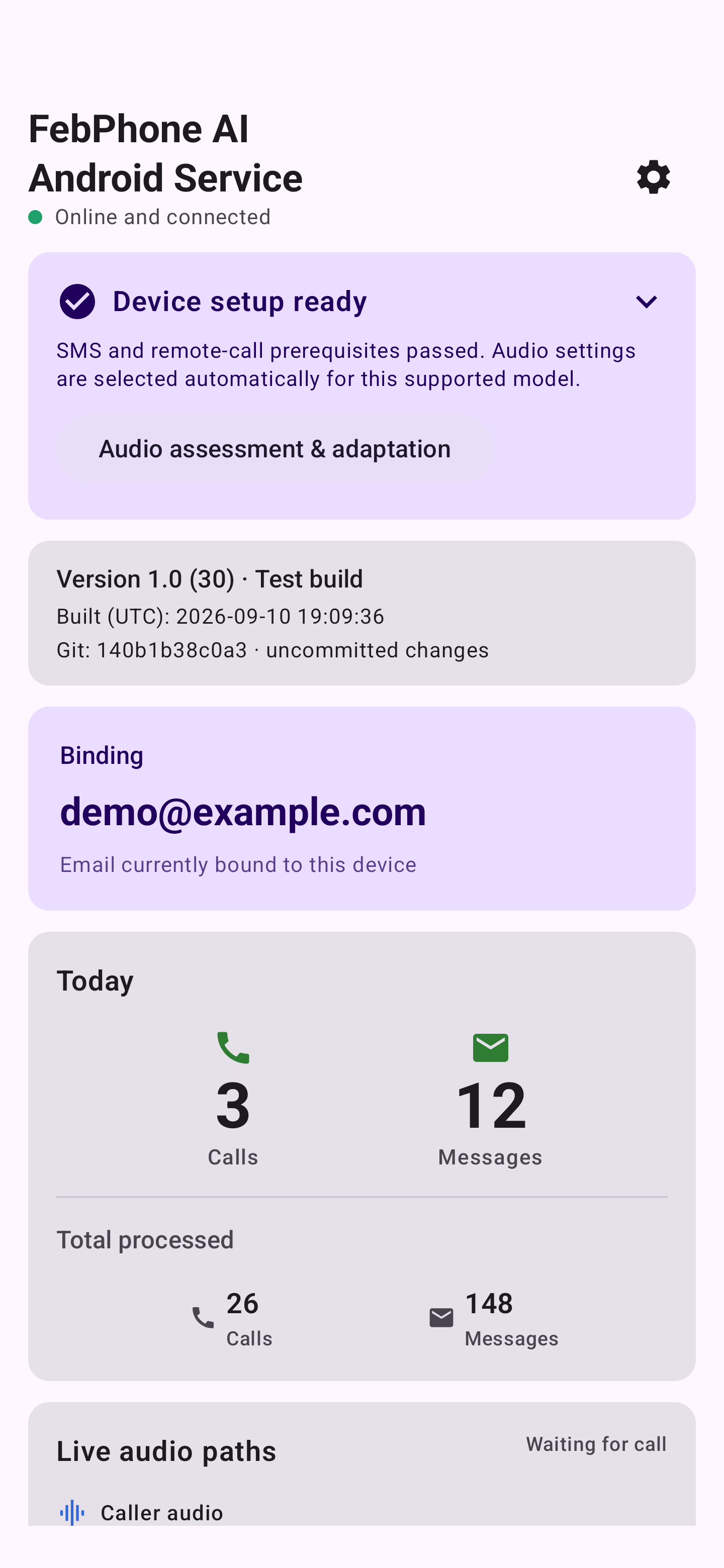
Your Android service phone
Actual App interface with synthetic demonstration data.
View full size ↗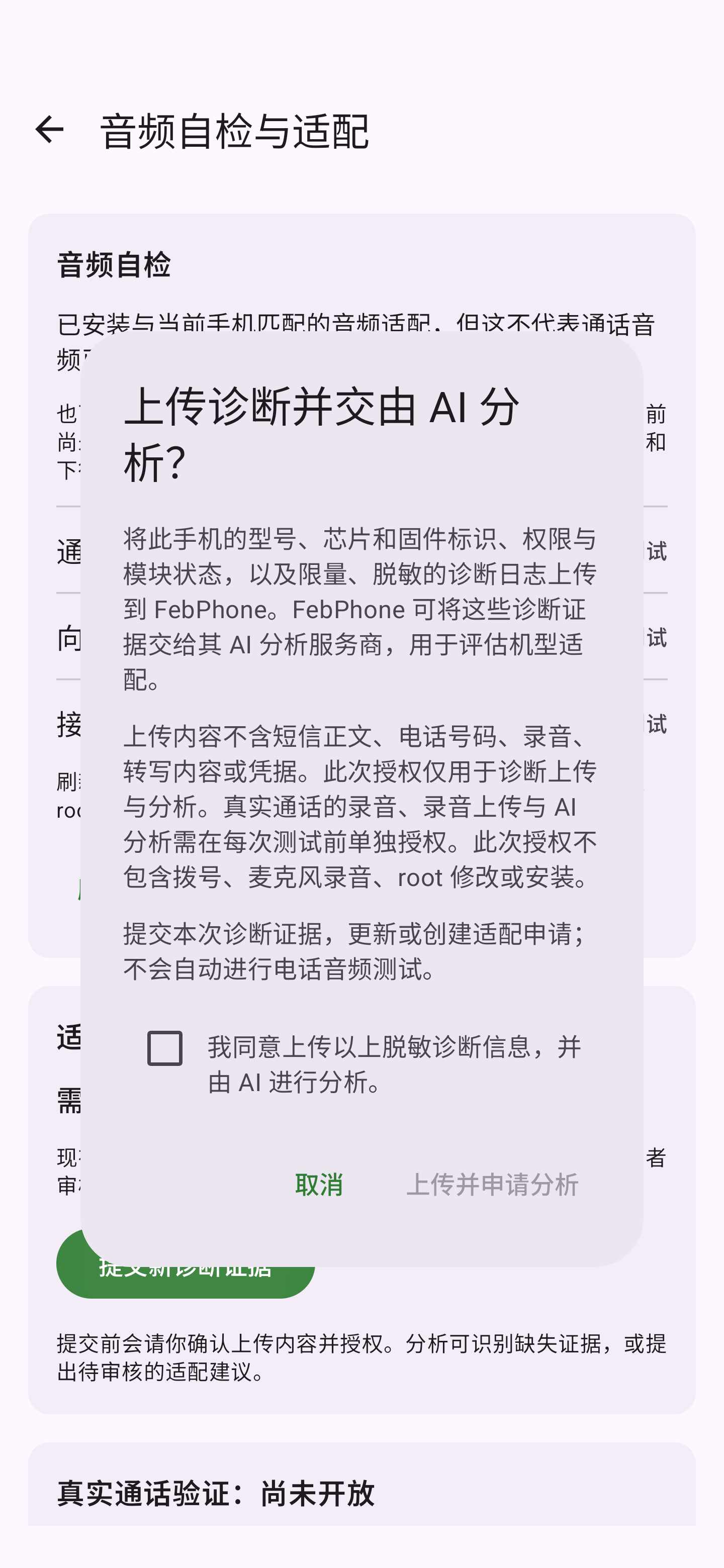
Confirm diagnostic upload contents
Diagnostic upload consent example from the current download. Review the device information and redacted logs, then tick the consent box and submit. Follow the instructions in your assigned version for subsequent installation and call testing. Actual App interface with synthetic demonstration data.
View full size ↗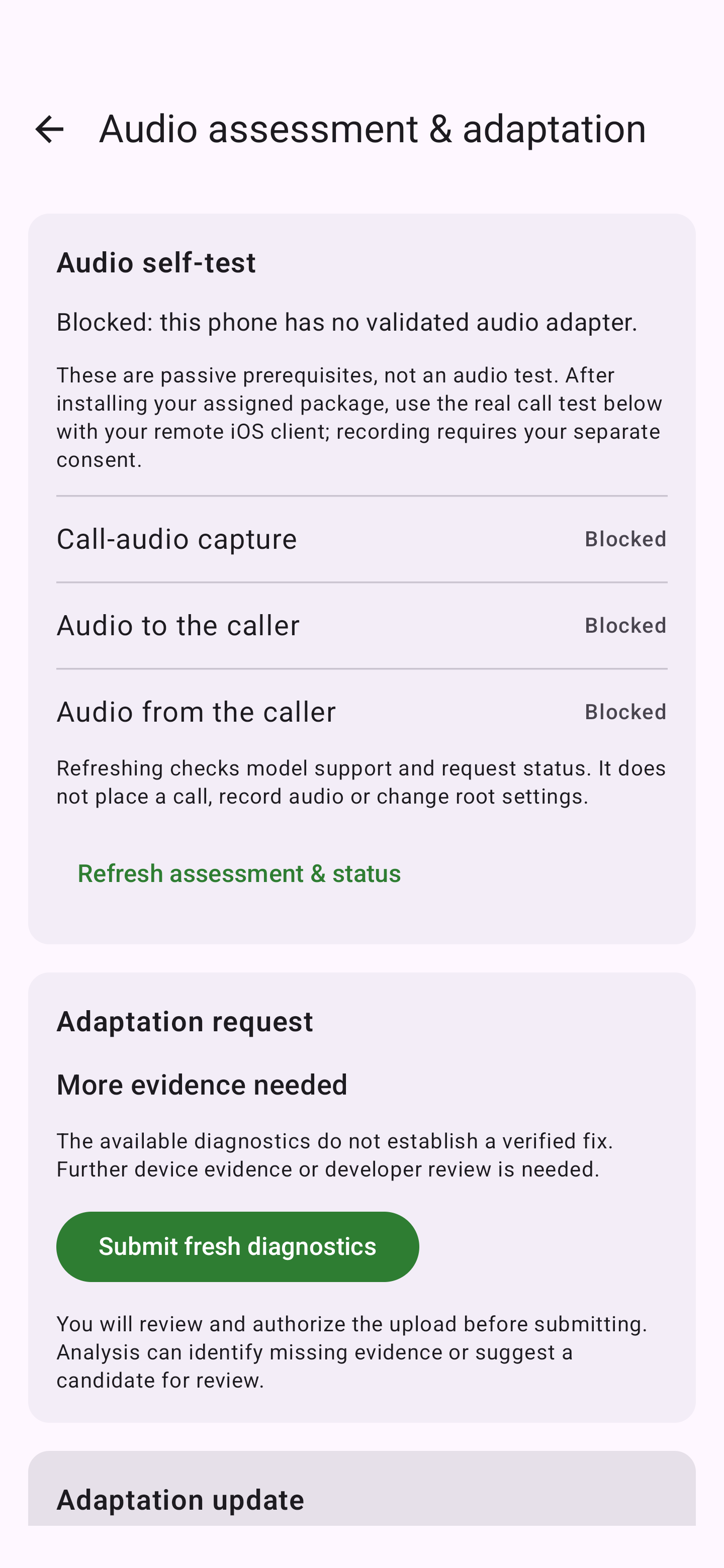
Audio checks and adaptation requests
Audio capture, uplink and downlink checks, with guidance when more diagnostics are needed. Actual Android interface with isolated demonstration data, not a live test result.
View full size ↗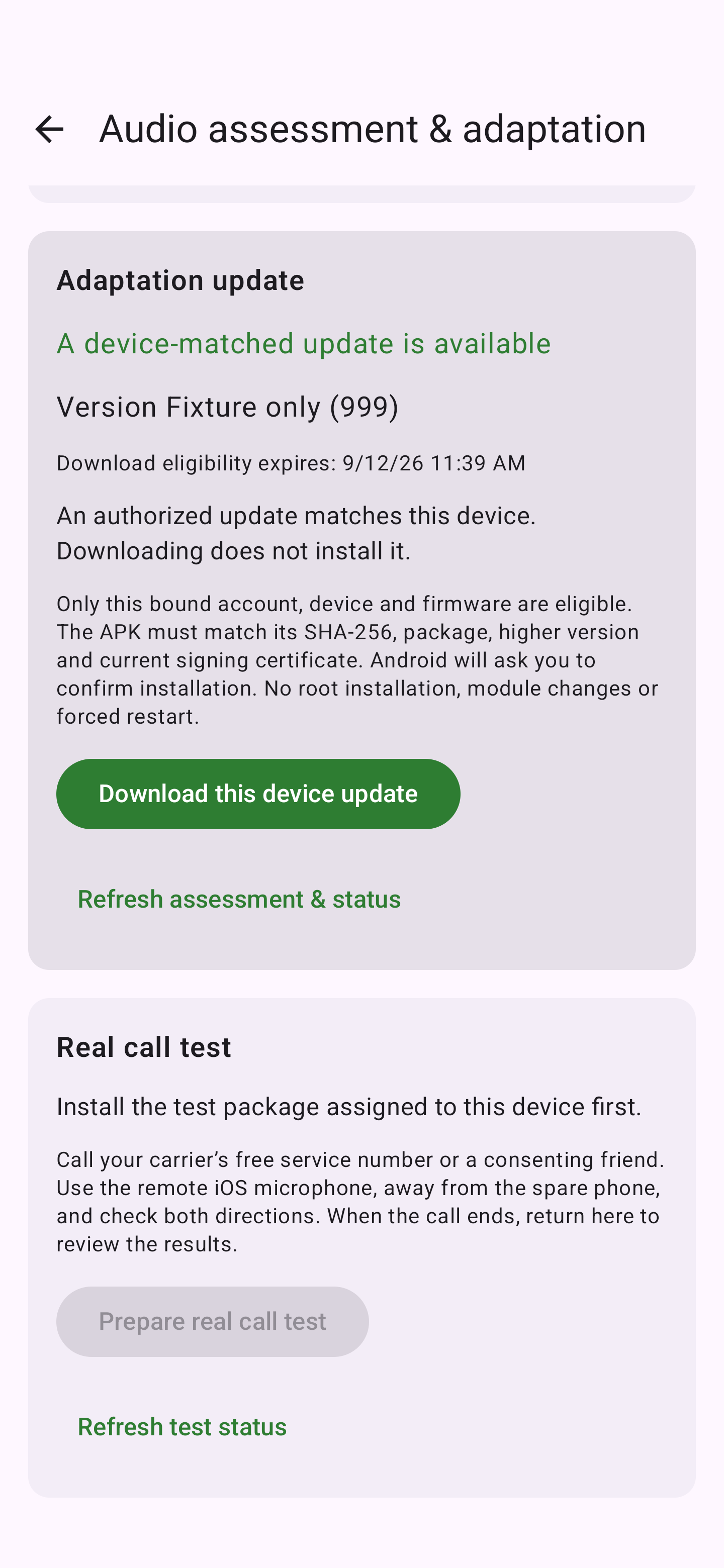
Updates matched to your device
Download a device-matched test package, then confirm installation in Android before testing again. Actual interface with demonstration data; “Fixture only (999)” is not a released version.
View full size ↗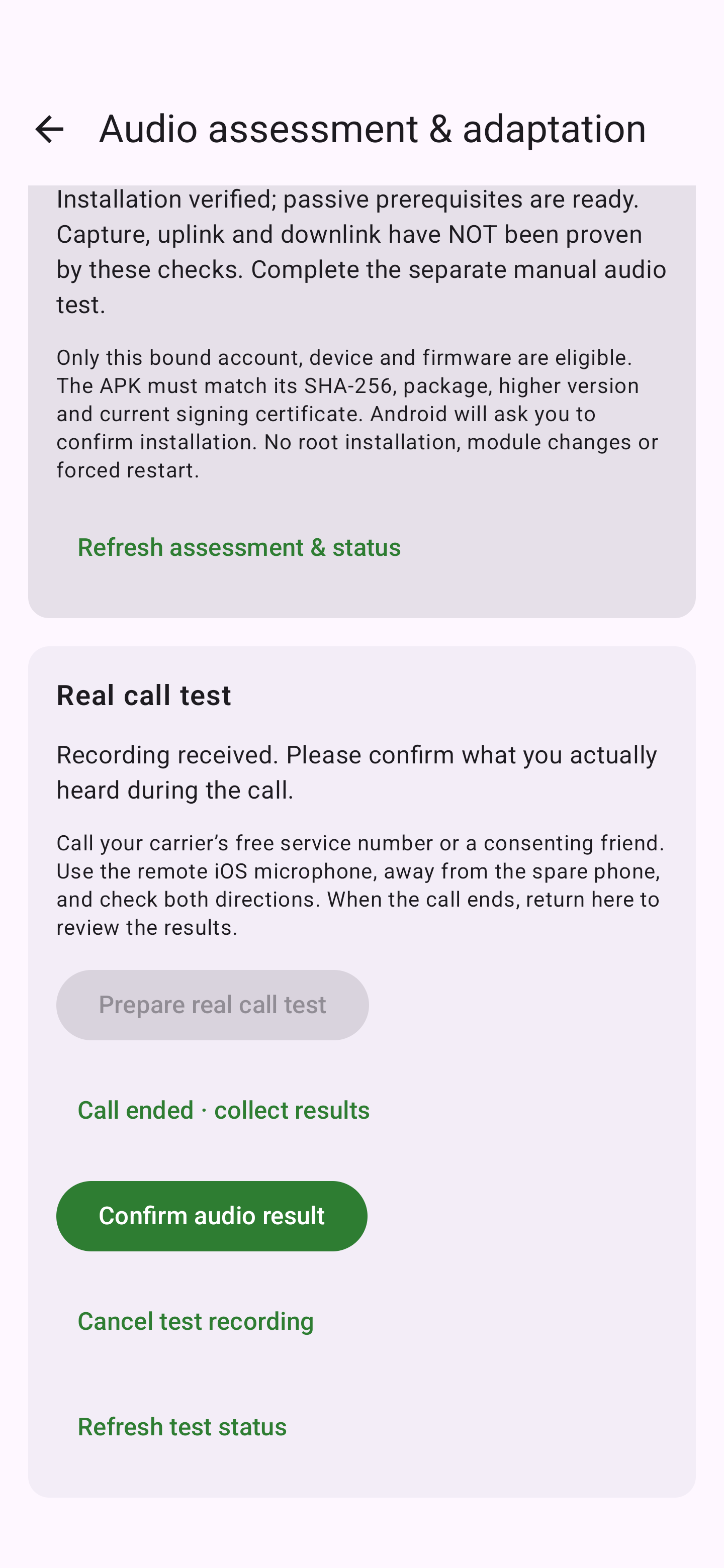
Real-call testing and recording confirmation
After a test call, collect recording results and confirm what was actually heard. Actual Android interface with demonstration data showing the awaiting-confirmation state, not a passed audio test.
View full size ↗